

Yes, woocommerce plugin development services can build custom plugins for WooCommerce stores. These services are designed to create plugins that add new features, automate tasks, connect external systems, and solve specific business needs that standard WooCommerce extensions may not cover.
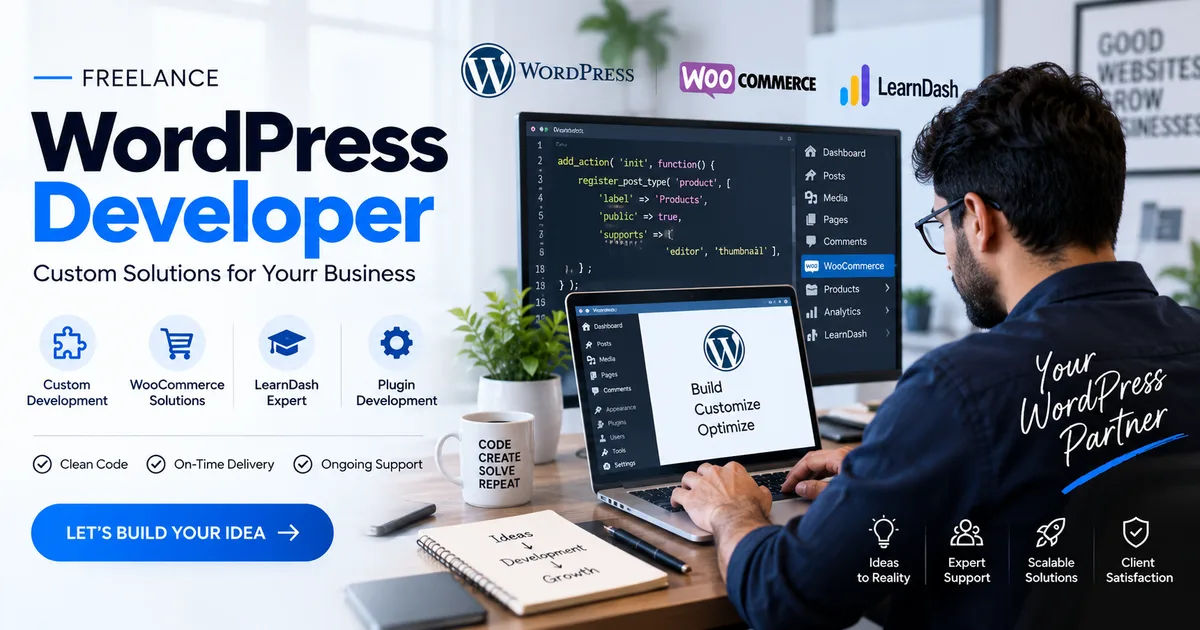
WooCommerce is flexible because it works on top of WordPress and provides developers with tools for extending its functionality. However, every online store has different requirements. A business may need a custom checkout feature, special pricing rules, payment integration, inventory automation, membership functionality, or a connection with another business system.
This is where custom plugin development becomes useful. Instead of changing the core WooCommerce files or installing several unrelated extensions, a business can have a plugin developed specifically for its requirements.
What Is a WooCommerce Plugin?
A woocommerce plugin development services is a software extension that adds or changes functionality in a WooCommerce store. Plugins can handle relatively simple tasks or support complex business processes.
For example, a store might use a plugin to offer additional payment methods. Another plugin could create advanced shipping rules based on location, product type, weight, or order value.
Custom plugins can go further because they are developed around the store's individual requirements.
How Plugins Work With WooCommerce
WooCommerce provides hooks, filters, APIs, and other development features that allow developers to extend the platform without directly modifying its core files.
A developer can use these tools to add new functions while keeping the main WooCommerce installation separate from the custom functionality.
This approach is important because WooCommerce and WordPress receive regular updates. A properly developed plugin can be maintained independently and updated when the store's requirements or the platform's technology changes.
What Can Custom WooCommerce Plugins Do?
Custom plugins can support many different types of eCommerce functionality. The exact features depend on the business and its technical requirements.
Custom Checkout Features
Checkout is one of the most important parts of an online store. Businesses may need checkout fields that are not included in the standard WooCommerce setup.
A custom plugin can add, remove, or modify checkout fields. It can also apply specific validation rules or display different fields depending on the customer's information.
For example, a business selling customized products might need customers to upload a file, provide measurements, select personalization options, or enter special instructions during checkout.
Advanced Pricing Rules
Some businesses have complicated pricing requirements.
A custom plugin can calculate prices according to customer type, quantity, product combinations, membership level, location, or other conditions.
For example, a wholesaler may want different prices for different customer groups. Another store might offer a discount only when customers purchase a particular combination of products.
Instead of manually managing these rules, a custom plugin can automate the process.
Payment Gateway Integration
WooCommerce supports many payment solutions, but a business may use a regional or specialized payment provider that does not have a suitable extension.
In this situation, custom development can connect the payment provider with the WooCommerce checkout.
The plugin may communicate with the payment provider's API, process transaction information, handle payment responses, and update the order status appropriately.
Payment integrations require careful development because they involve sensitive transaction information and security considerations.
Can Plugins Integrate External Systems?
Yes. One of the major benefits of custom WooCommerce plugin development is the ability to connect a store with external platforms.
CRM Integration
A business may use a customer relationship management system to manage leads and customer information.
A custom plugin can transfer relevant WooCommerce data to the CRM. For example, when a customer creates an account or places an order, selected information can be sent to the external system.
This can reduce repetitive data entry and improve communication between sales and eCommerce teams.
ERP Integration
Larger businesses may use enterprise resource planning software to manage inventory, purchasing, accounting, and other operations.
A WooCommerce plugin can potentially connect the online store with an ERP system through an API.
Product information, stock quantities, customer information, and orders can be synchronized according to the business requirements.
The exact integration depends on the ERP platform and the APIs available.
Shipping System Integration
Shipping can become complicated when a store works with multiple carriers or has unusual delivery requirements.
A custom plugin can connect WooCommerce with a shipping provider and help automate tasks such as rate calculation, shipment creation, tracking information, or delivery updates.
This can make order management more efficient and reduce manual work.
How Do WooCommerce Plugin Development Services Build a Plugin?
Creating a plugin is more than writing a few lines of code. A professional development process normally starts with understanding the business problem.
Step 1: Requirements Analysis
The first stage is determining exactly what the plugin needs to accomplish.
Developers may discuss questions such as:
- What problem should the plugin solve?
- Who will use the feature?
- What information should it collect?
- Which WooCommerce functions should it change?
- Does it need to connect with another platform?
- What should happen in unusual situations?
Clear requirements help prevent unnecessary development.
Step 2: Technical Planning
After understanding the requirements, developers plan how the plugin will work.
They may determine which WooCommerce hooks and filters are appropriate, what database information is required, whether an API is needed, and how the plugin should interact with existing extensions.
Good planning is particularly important when a store already has several plugins installed.
Step 3: Plugin Development
The developers then build the plugin using appropriate WordPress and WooCommerce development practices.
The code should be organized so that it can be maintained and updated later.
A custom plugin should also avoid unnecessary modifications to WooCommerce core files. This helps reduce compatibility problems when WooCommerce receives future updates.
Step 4: Testing
Testing is an important part of plugin development.
A plugin may work correctly under one condition but fail under another. Developers therefore need to test different scenarios.
For example, an eCommerce plugin may need testing for logged-in customers, guest customers, different product types, discount conditions, failed payments, refunds, and different order statuses.
Testing should also consider how the plugin interacts with other extensions.
Step 5: Deployment
Once the plugin has been tested, it can be installed on the production website.
For larger stores, developers may first test the plugin in a staging environment. This provides a safer place to identify problems before the changes reach customers.
Step 6: Maintenance
A plugin is not necessarily finished forever after it has been launched.
WordPress, WooCommerce, PHP, payment APIs, and other connected systems can change over time.
Maintenance may therefore be required to keep the plugin compatible and secure.
Why Use Custom Plugin Development?
There are several reasons a business may choose a custom plugin instead of relying entirely on existing extensions.
It Solves Specific Problems
Commercial plugins are generally created for broad groups of users. A custom plugin can focus on one company's exact workflow.
This can be particularly useful when a business has requirements that do not fit standard plugin settings.
It Can Reduce Unnecessary Features
Installing several large plugins simply to obtain a few required features can make a website more complicated.
A custom plugin can sometimes provide the required functionality without adding unrelated features.
However, custom development is not automatically better. The decision should depend on the project's complexity, budget, maintenance requirements, and availability of reliable existing solutions.
It Can Support Business Automation
Automation is another major advantage.
A plugin can perform repetitive actions automatically. For example, it might update information, calculate prices, create records, send data to another platform, or trigger an internal process.
Reducing repetitive manual work can save employees time.
What Features Should a Custom Plugin Include?
The answer depends on the project, but a well-designed plugin should generally focus on reliability, security, usability, and maintainability.
User-Friendly Settings
If store administrators need to control the plugin, its settings should be easy to understand.
Instead of exposing unnecessary technical options, the plugin should provide clear controls that match the business workflow.
Security
Security should be considered throughout development.
A plugin may process customer details, orders, payment-related information, or other sensitive data. Developers should therefore use appropriate validation, sanitization, authorization, and secure communication practices.
Poorly developed plugins can introduce vulnerabilities into a website.
Compatibility
A custom plugin should be designed with the existing website environment in mind.
Developers should consider the WordPress version, WooCommerce version, PHP version, theme, and other important extensions.
Compatibility testing can help identify conflicts before they affect customers.
How Much Do Custom WooCommerce Plugins Cost?
There is no single price for plugin development.
A simple plugin with one focused function may require relatively little development work. A large plugin involving APIs, complex business rules, custom dashboards, payment systems, and advanced automation can require considerably more time.
Several factors influence the cost.
Complexity
The number and complexity of features have a direct effect on development time.
A plugin that adds one small feature is very different from a complete business management extension.
Integrations
External integrations can increase complexity because developers must work with third-party APIs, authentication methods, data formats, and response handling.
Design Requirements
A plugin with a sophisticated administration interface or customer-facing interface may require additional design and development work.
Testing and Maintenance
Testing, documentation, security reviews, and ongoing maintenance can also affect the overall project cost.
Businesses should consider the total development and maintenance requirements rather than looking only at the initial price.
Questions to Ask Before Hiring a Development Service
Before starting a project, businesses should clearly understand what the development team will provide.
Ask About WooCommerce Experience
Developers should understand WooCommerce's architecture and extension system.
Experience with WordPress alone does not necessarily mean that a developer has extensive experience with WooCommerce-specific development.
Discuss Maintenance
Ask how future WooCommerce and WordPress updates will be handled.
It is useful to understand whether maintenance is included or charged separately.
Clarify Ownership
Businesses should establish who owns the custom code and whether the client will receive the plugin files and documentation.
This is especially important for custom software developed specifically for one company.
Request Testing Details
Ask what types of testing will be performed before launch.
For an eCommerce store, testing should cover important customer and administrative workflows rather than simply checking whether the plugin activates.
When Is Custom Plugin Development a Good Option?
Custom development can make sense when a business has a specific requirement that existing extensions cannot handle effectively.
It can also be useful when several manual processes need to be automated or when a store needs to connect WooCommerce with an internal business system.
However, custom development is not necessary for every situation.
If a reliable, well-maintained WooCommerce extension already provides the required feature, purchasing that extension may be simpler and more economical.
The decision should be based on the actual requirements rather than choosing custom development automatically.
Common Mistakes to Avoid
Businesses can encounter problems when plugin projects are not properly planned.
One common mistake is starting development without defining the complete requirements.
Another is ignoring compatibility with existing plugins. Two extensions may independently work correctly but create problems when they interact.
Skipping security testing is another serious concern.
Businesses should also avoid treating maintenance as an afterthought. A plugin that works today may require updates when WordPress, WooCommerce, PHP, or an external API changes.
Conclusion
woocommerce plugin development services can build plugins specifically designed for the needs of an online store. These plugins can extend WooCommerce with custom checkout features, pricing rules, payment integrations, shipping functionality, business automation, and connections with external platforms.
The development process normally involves requirements analysis, technical planning, coding, testing, deployment, and ongoing maintenance. Each stage contributes to creating a reliable plugin that can work within the store's existing environment.
Custom development can be valuable when standard WooCommerce extensions cannot provide the required functionality. It can also help businesses automate repetitive processes and connect their online stores with other systems.
At the same time, custom development should be approached carefully. Businesses should evaluate whether an existing extension can solve the problem before commissioning a new plugin. When custom development is appropriate, clear requirements, secure coding, thorough testing, compatibility planning, and long-term maintenance can make the project much more practical.
Ultimately, the purpose of a custom WooCommerce plugin should be to solve a clearly defined business problem. When the functionality is carefully planned and professionally developed, a plugin can become an important part of a store's eCommerce infrastructure.